Decrypting .crpt files
'priint: Decrypt current .crpt'
'priint: Decrypt all .crpt in the current project'
The following steps will guide you to decrypting encrypted .crpt files:
-
Within VSCode, locate the encrypted .crpt
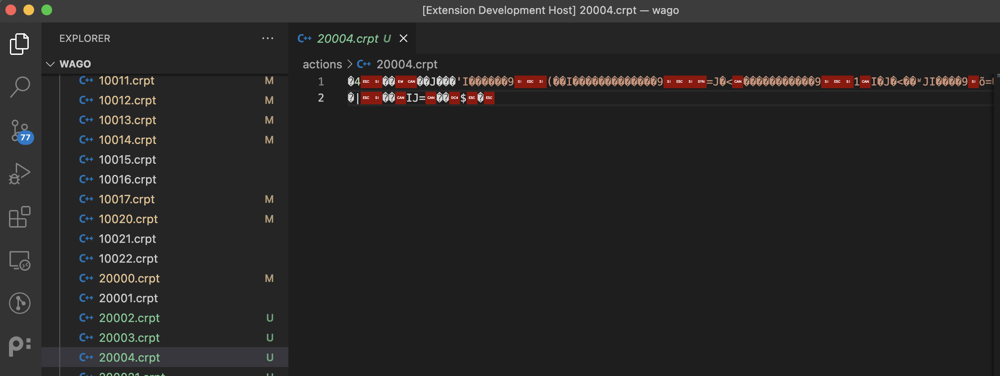
-
Press ⌘⇧P on Mac or Ctrl+Shift+P on Windows to bring up the Command Palette, and search for "priint decrypt" (without the double-quotes)

You will see 2 options like above. One is for decrypting current file, one is for scanning all encrypted files in the 'actions' folder and decrypt them all.
-
Anyway, for demonstration purpose, press Enter on the 'priint: Decrypt current .crpt' command (to execute the command, you can also press it directly) and it will result in the file being decrypted and ready to be edited in VSCode
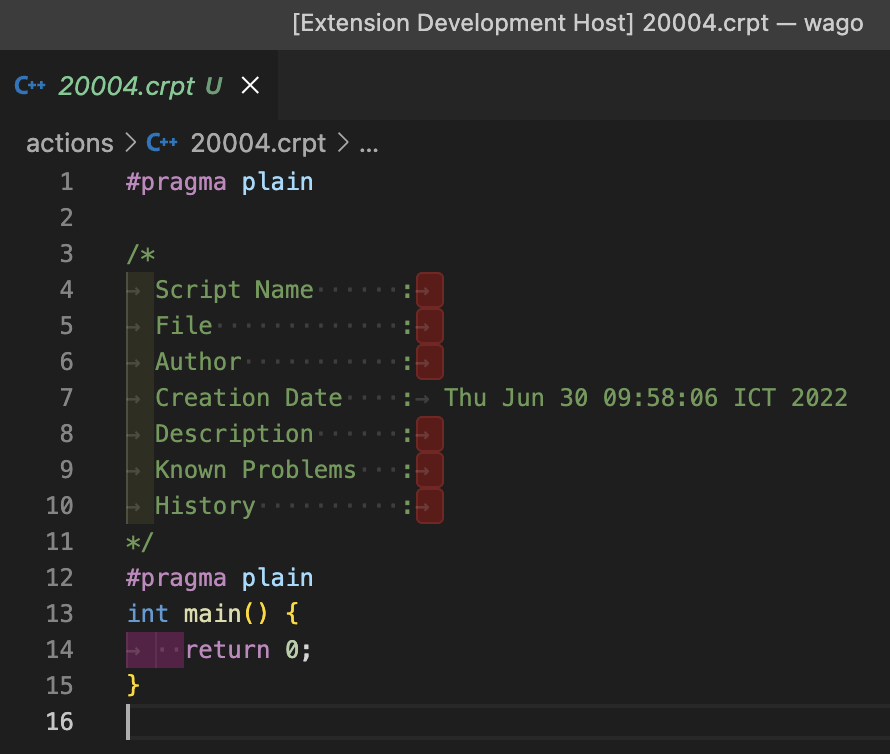
That's all for this function.