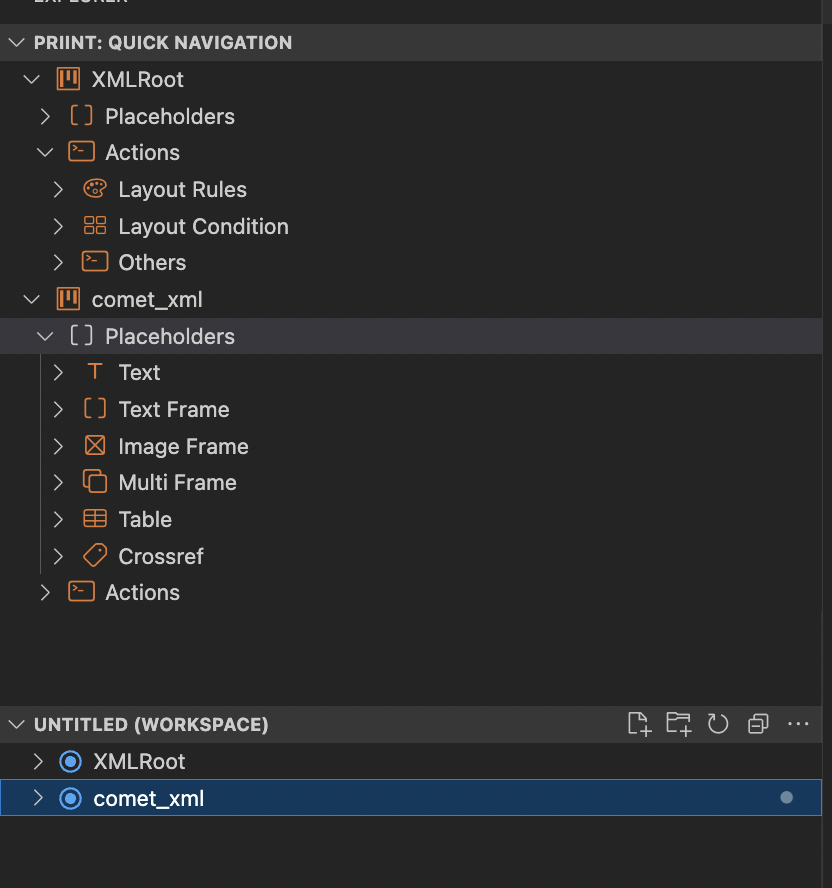
Open a project
Open a Project
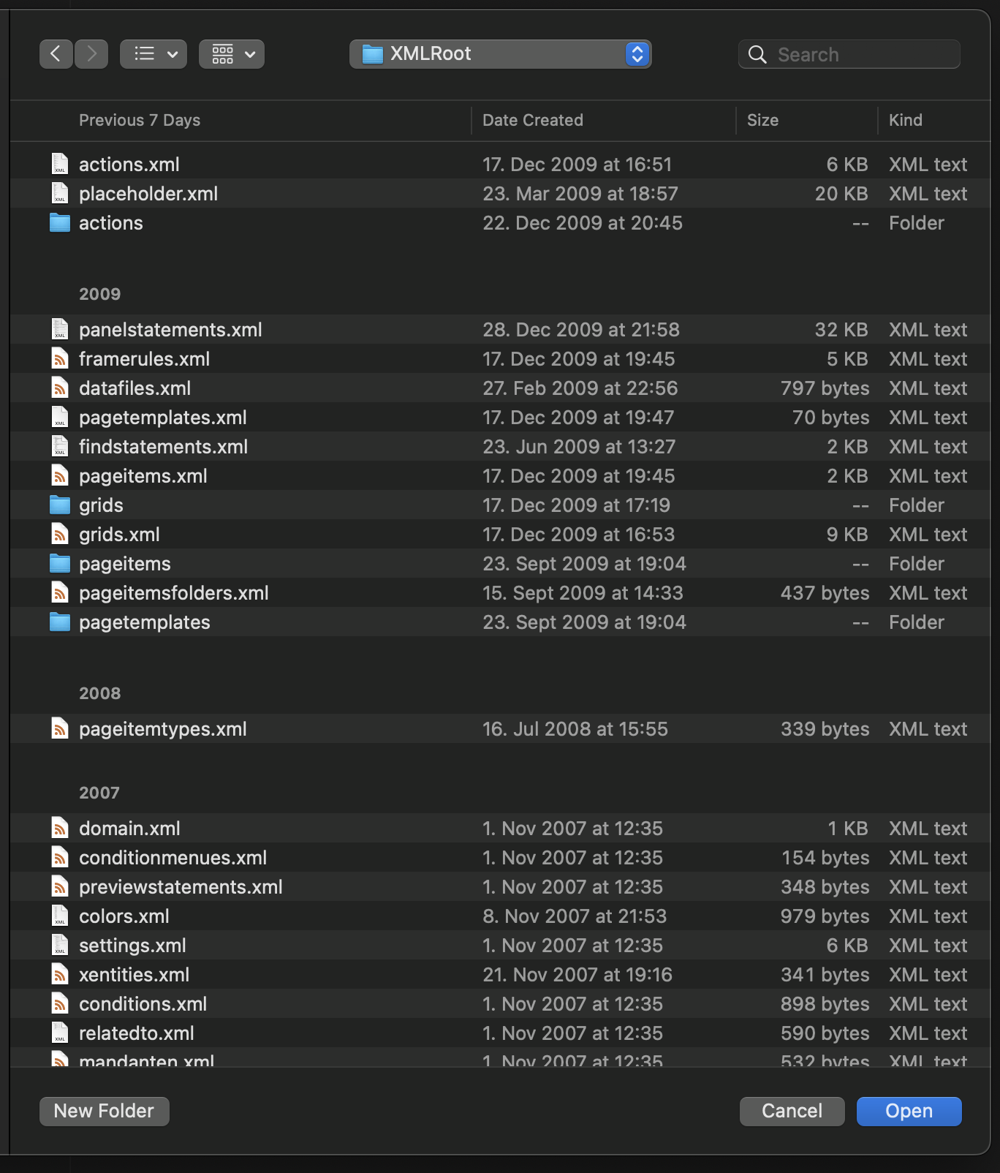
To get started with using the plugin, you should open a valid XML Offline Folder. Inside of the XML folder we expect at least a folder called actions and a file called actions.xml
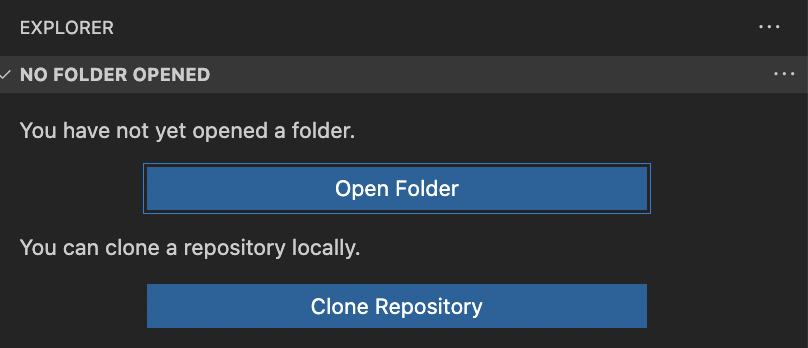
- Open the folder with the project that you want to adjust.
- Navigate to the top most folder with actions.xml and actions as direct children.
- Enjoy the features of the extension.
Optional
You can add more projects to your current workspace by adding another folder to the workspace. Make sure to match the conditions mentioned above for the project to be recognised correctly.

If you're working with multiple projects in one workspace it might be useful to give unique names to the xml root folder.