Edit layout rule/condition
Continuing from Editor Panel
General
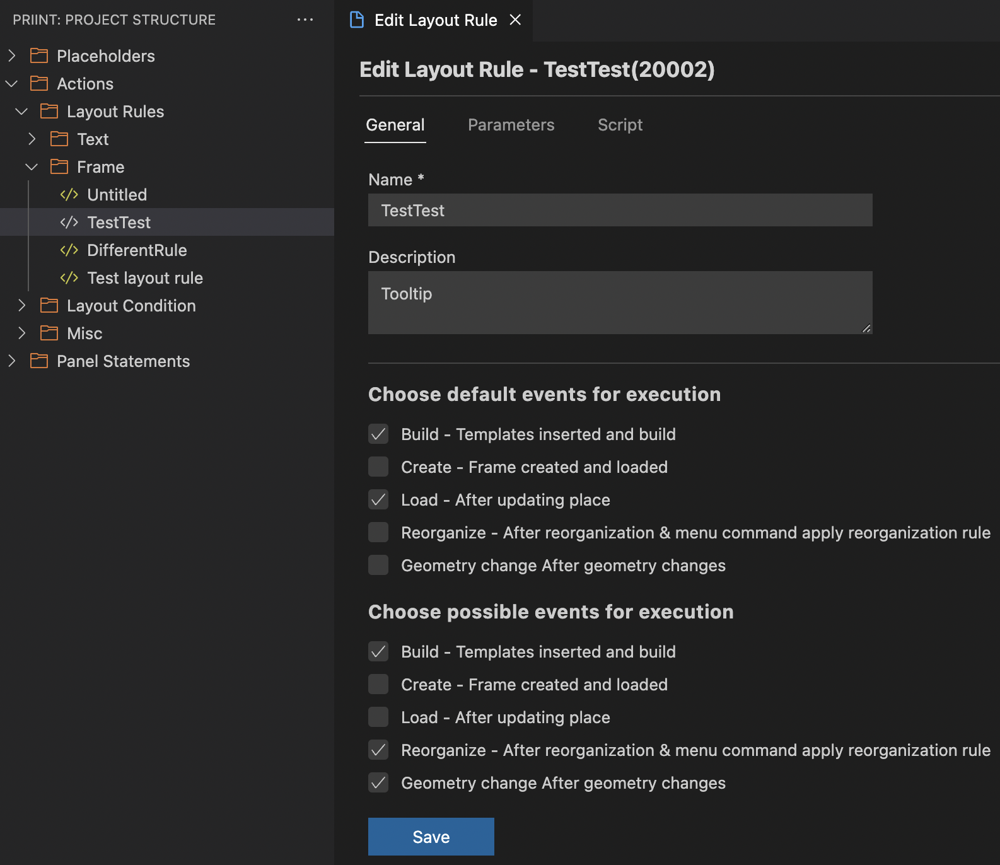
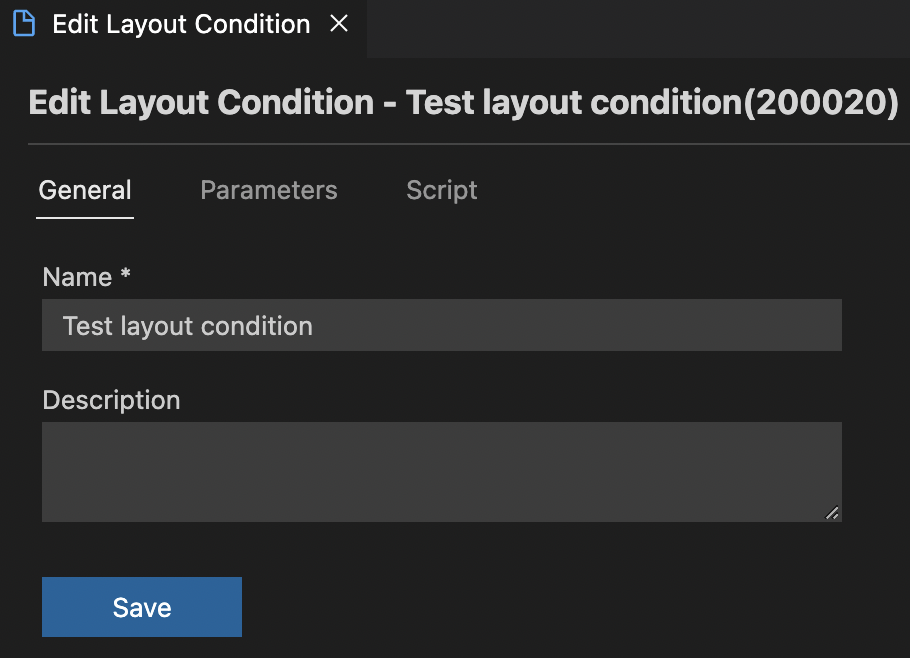
From previous step, open the dropdown of Actions > Layout Rules/Layout Condition. You can choose the corresponding type and rule to start editing
-
Edit Layout Rule
-
Edit Layout Condition
-
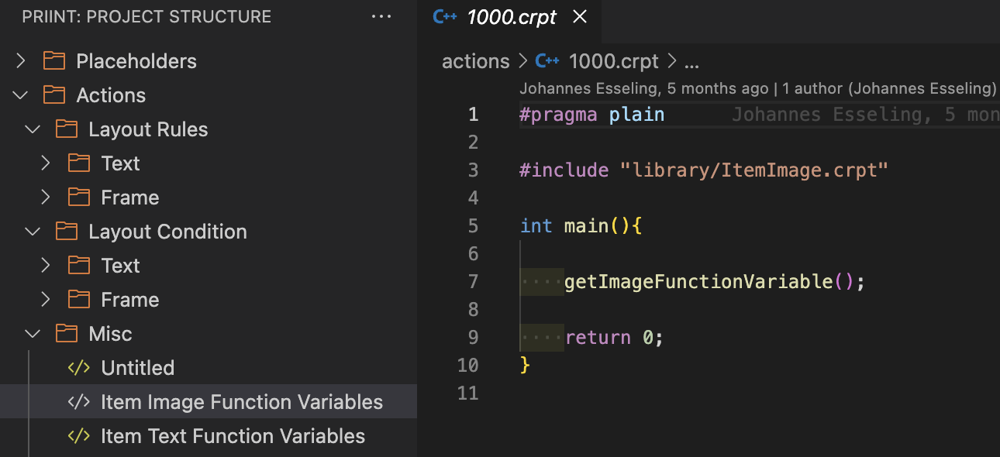
Misc consists of other scripts that does not fall under any category. Clicking on one will directly open up the relevant script for editing
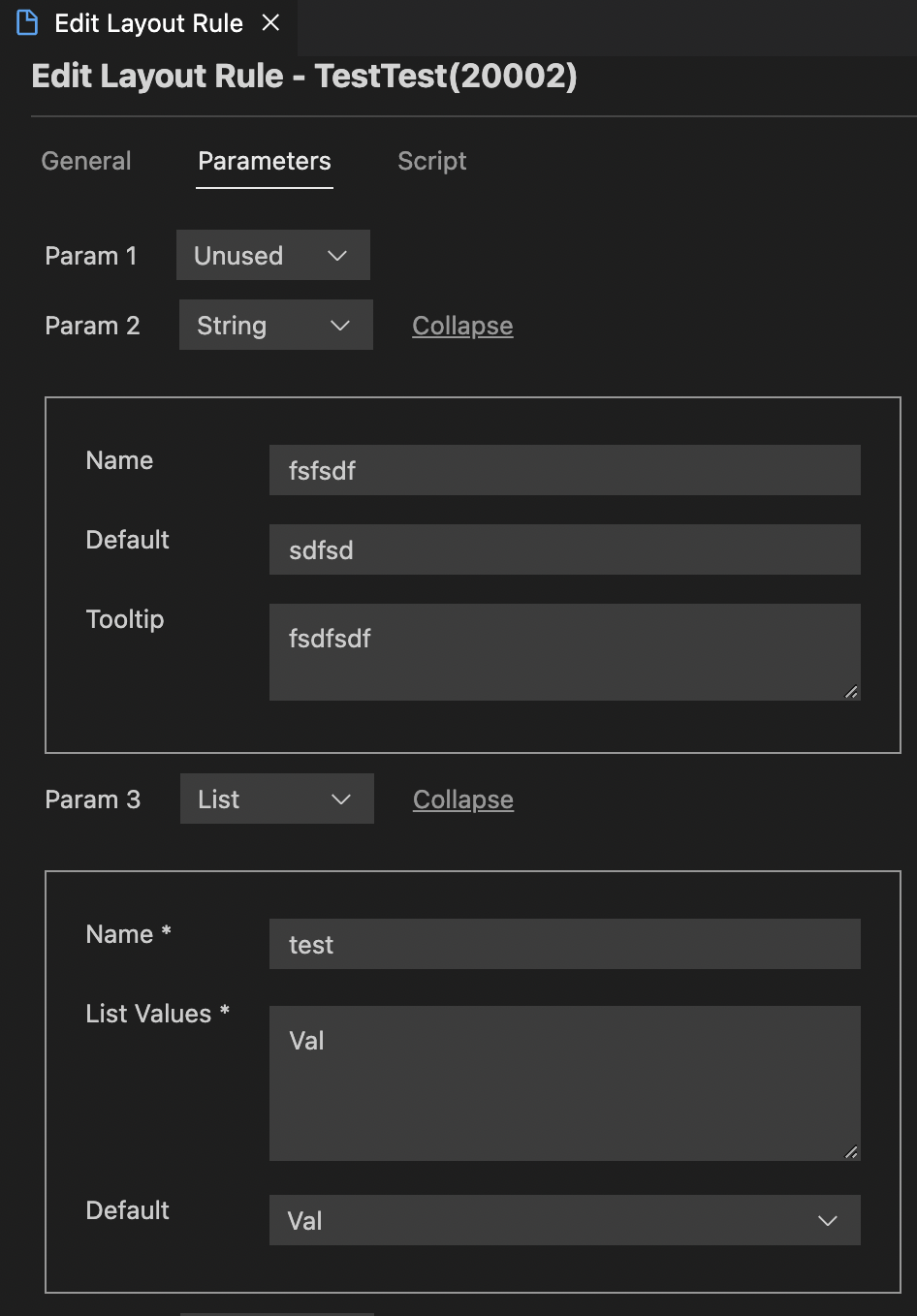
Parameters tab
You can configure the parameters with Unused/String/List type here
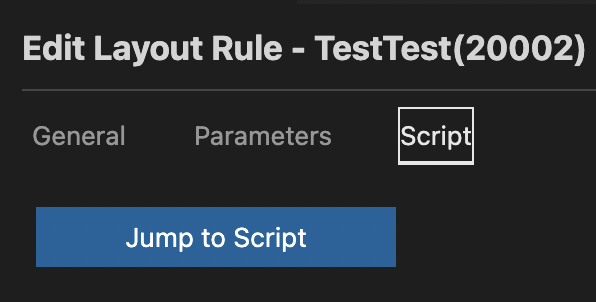
Script tab
The 'Jump to Script' button will open the corresponding script for you to start editing
Relevant XML structures
<actions>
    <action>
		<id>0</id>
		<name></name>
		<sequencenr>0</sequencenr>
		<classid>0</classid>
		<domain>0</domain>
		<type>0</type>
		<inputdocumentation></inputdocumentation>
		<outputdocumentation></outputdocumentation>
		<timestamp>1657791006258</timestamp>
    </action>
    <action>...</action>
</actions>