Tenants & Projects
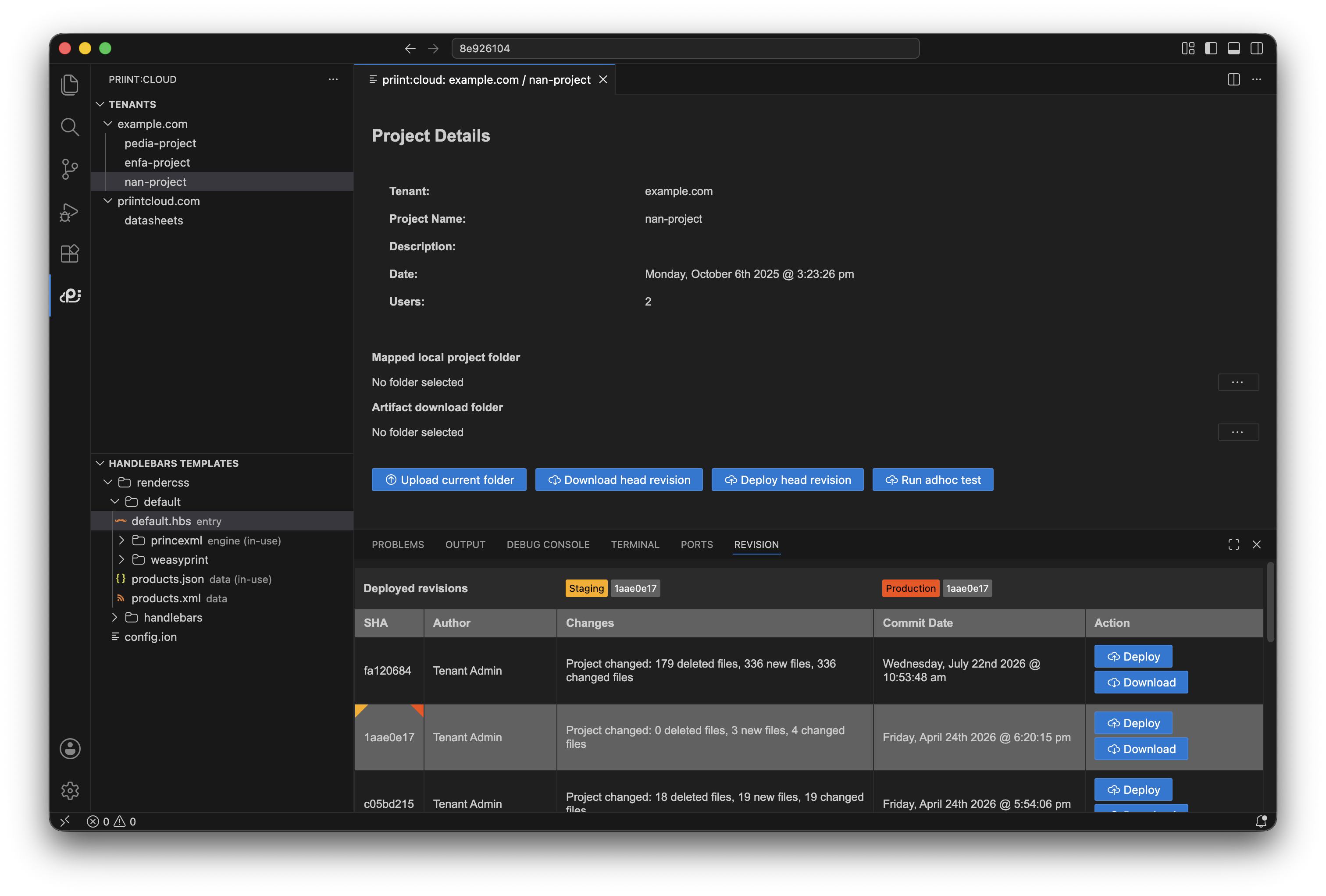
After signing in the Tenants view shows your tenants. Expand a tenant to see its projects.
Actions in the Tenants view title bar:
| Button | What it does |
|---|---|
| Refresh (↻) | Reloads the tenant and project list from the server |
| Logout | Signs you out and clears stored credentials |
Select a project: Click a project name. The extension opens the Project detail webview and loads the latest revisions in the Revision timeline panel at the bottom of the screen.